


 LED
LED

 LCD
LCD


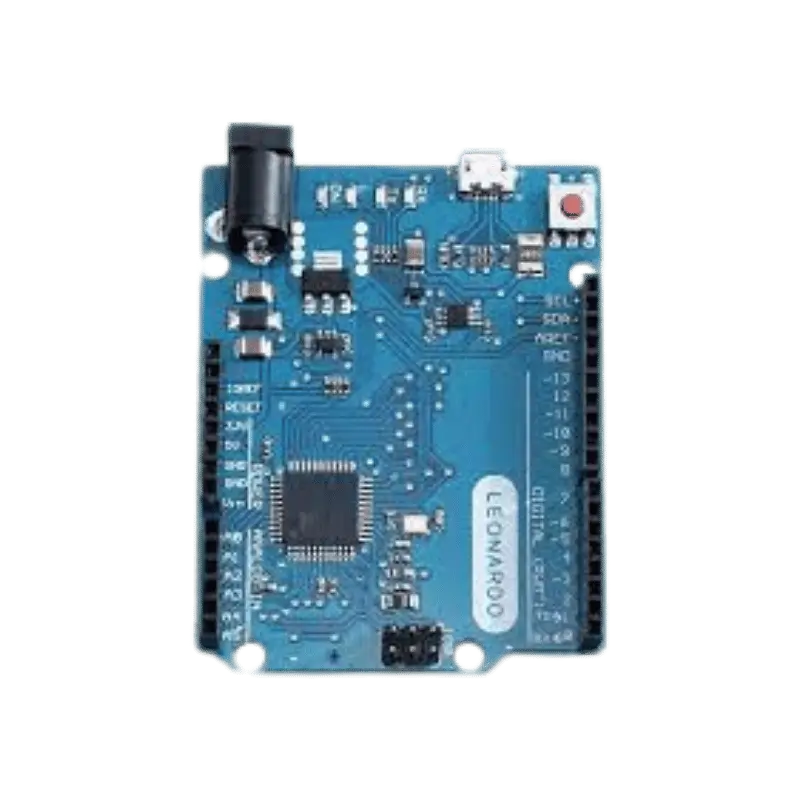
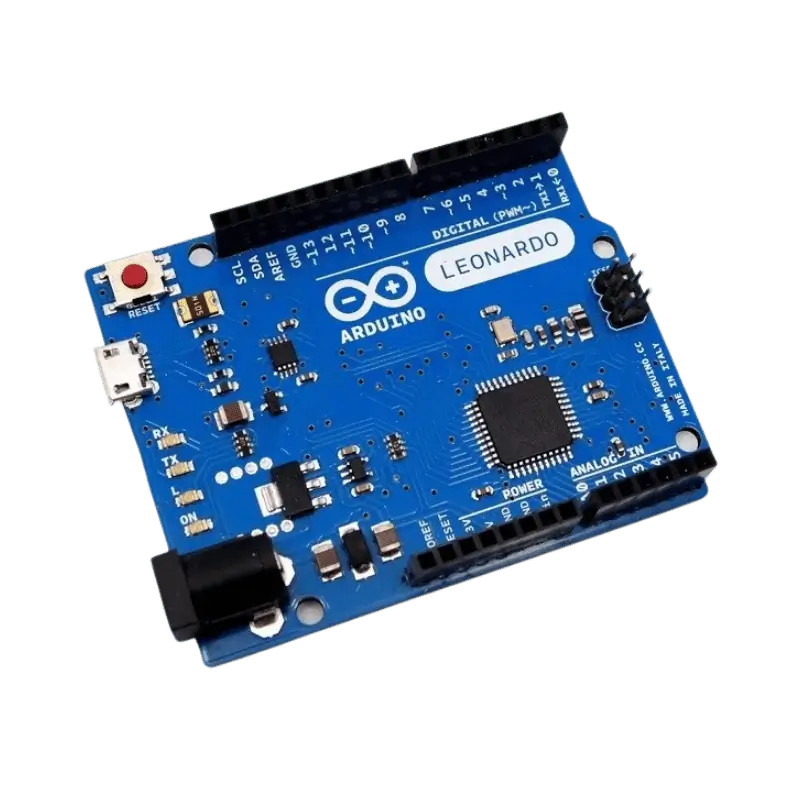
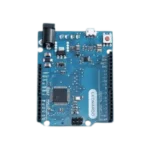
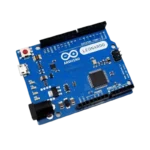


Arduino Leonardo R3
Product Overview
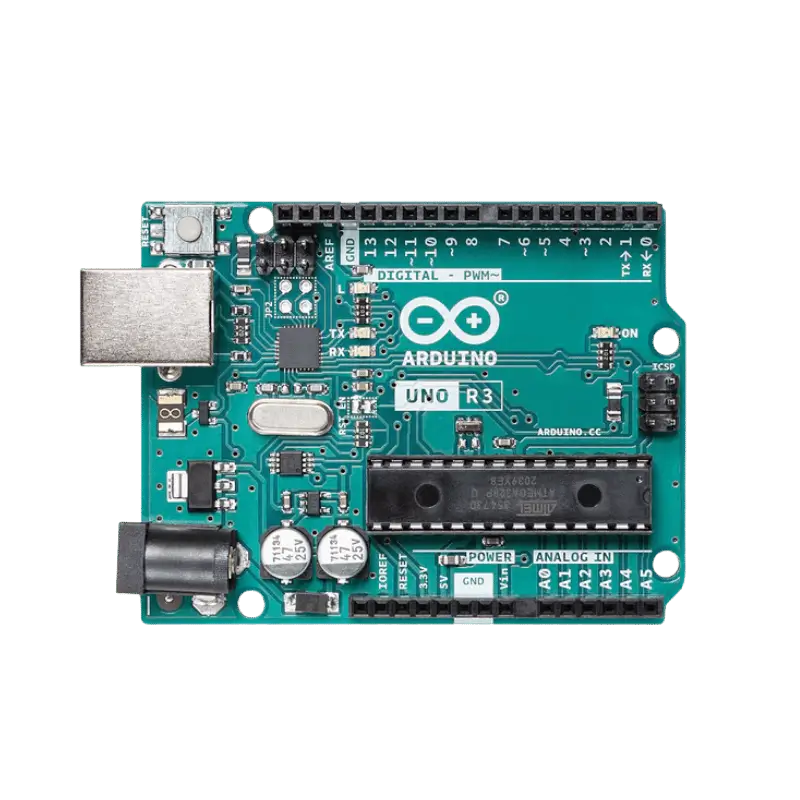
The Arduino Leonardo R3 from Pro Tronix is a unique entry in the Arduino lineup. While it looks similar to the Arduino Uno, it uses the ATmega32U4 microcontroller, which has built-in USB communication. This eliminates the need for a secondary processor (like the CH340 or ATmega16U2), making the board more versatile and cost-effective.
Because the main chip handles the USB connection directly, the Leonardo can appear to a connected computer as a standard Human Interface Device (HID), such as a keyboard or mouse. This allows you to create custom hardware that types commands or moves the cursor automatically. Additionally, the Leonardo offers 12 analog inputs and 7 PWM channels, giving you more flexibility for complex sensor-driven projects than a standard Uno.
Technical Specifications
| Feature | Specification |
| Microcontroller | ATmega32U4 |
| Operating Voltage | 5V |
| Input Voltage (VIN) | 7V – 12V (Recommended) |
| Digital I/O Pins | 20 |
| PWM Channels | 7 |
| Analog Input Pins | 12 (A0-A5 & Digital pins 4, 6, 8, 9, 10, 12) |
| Flash Memory | 32 KB (4 KB used by bootloader) |
| SRAM / EEPROM | 2.5 KB / 1 KB |
| Clock Speed | 16 MHz |
| USB Connector | Micro-USB |
| Supplier | Pro Tronix |
Key Features
Native HID Support: Easily emulate a keyboard or mouse using the built-in
KeyboardandMouselibraries—no complex drivers required.Expanded Analog I/O: Offers 12 analog inputs compared to the Uno’s 6, allowing for much larger sensor arrays.
Independent Serial Ports: The hardware serial (
Serial1) is completely separate from the USB serial. You can talk to a GPS or Bluetooth module without interfering with your USB debug monitor.Dedicated I2C Pins: Unlike the Uno, the Leonardo has dedicated SDA and SCL pins (pins 2 and 3), ensuring your I2C devices don’t conflict with your analog inputs.
Slim USB Connection: Uses a modern Micro-USB port, which is more compact and easier to find cables for than the bulky USB-B port.
Common Applications
Custom Game Controllers: Building flight simulator panels, arcade sticks, or specialized gaming pedals.
Macro Keyboards: Creating a dedicated hardware “shortcut” pad for video editing, streaming, or coding.
Assistive Technology: Developing custom input devices for users with limited mobility to control a computer.
Complex Data Acquisition: Utilizing the 12 analog inputs for high-density sensor logging.
💡 Note for Shield Users: Because the SPI pins on the Leonardo are only located on the ICSP header (not on digital pins 11-13 like the Uno), some older shields may require a small modification to work. Most modern shields designed for “R3” layouts will work perfectly.
You can see our available development boards and HID solutions from here: Development Boards | Pro Tronix