


 LED
LED

 LCD
LCD


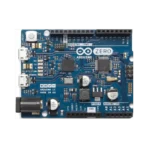
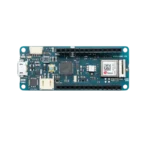


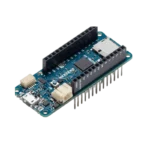
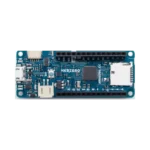


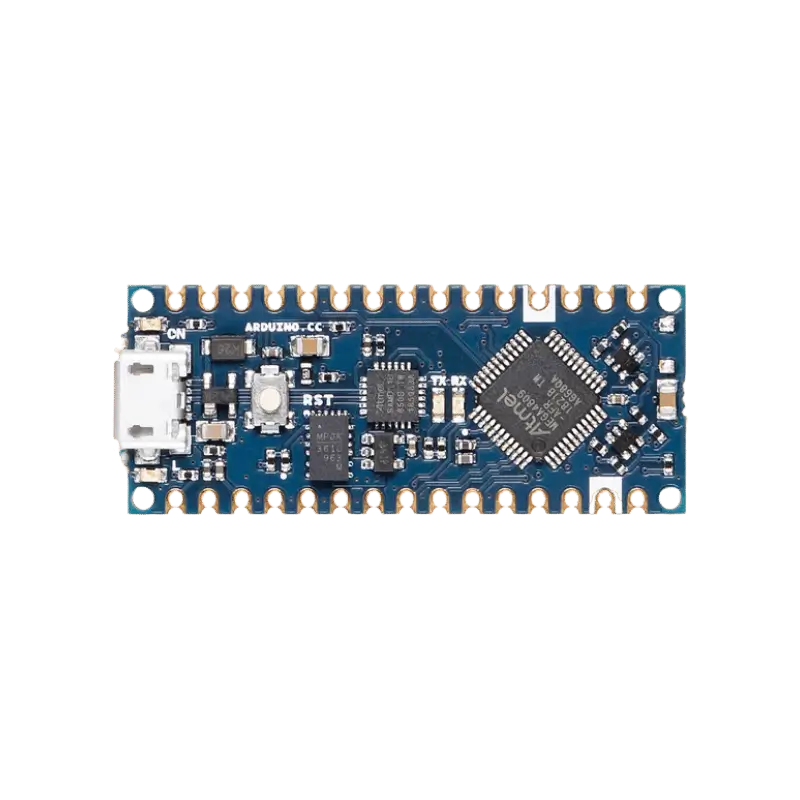
Arduino MKR Zero | Dedicated Music & Audio Development Board
Product Overview
The Arduino MKR Zero from Pro Tronix is a specialized board in the MKR family, specifically “tuned” for audio applications. While it shares the same powerful 32-bit SAMD21 processor as the Arduino Zero, it is packed into a much smaller form factor and adds essential features for music projects.
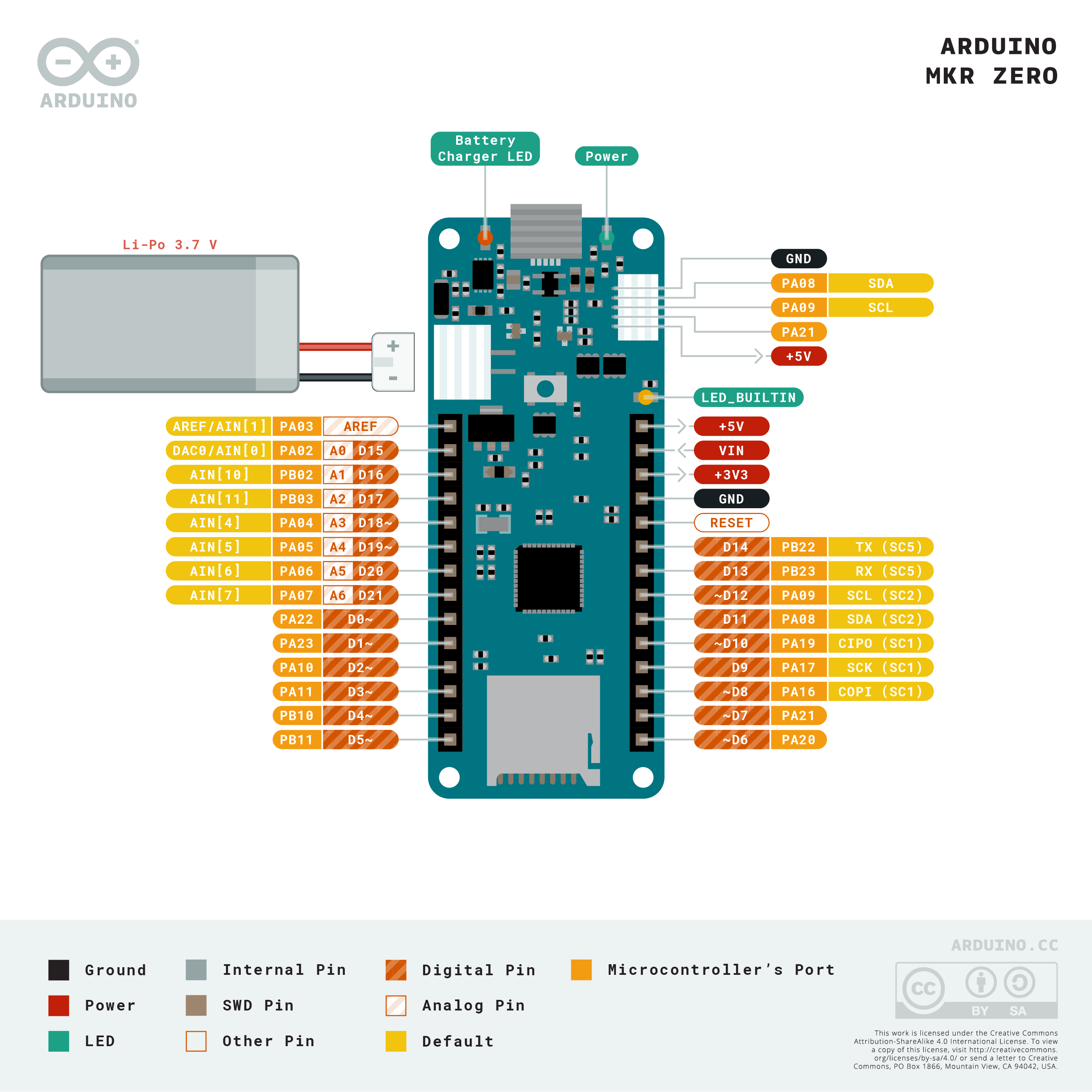
Its standout feature is the integrated microSD card connector, which is wired to a dedicated SPI interface (SPI1). This means you can stream high-quality audio files directly from an SD card without tying up your main GPIO pins. It also features a native I2S (Inter-IC Sound) bus, the industry standard for connecting professional-grade digital audio devices like high-end DACs and digital microphones.
Technical Specifications
| Feature | Specification |
| Microcontroller | SAMD21 Cortex-M0+ 32-bit Low Power ARM |
| Clock Speed | 48 MHz |
| Operating Voltage | 3.3V (Pins are NOT 5V tolerant) |
| Storage | Built-in MicroSD Slot (Dedicated SPI) |
| Audio Interfaces | I2S Bus & 10-bit DAC (Pin A0) |
| Flash Memory | 256 KB |
| SRAM | 32 KB |
| Digital I/O Pins | 22 (12 PWM) |
| Analog Inputs | 7 (12-bit ADC) |
| Battery Support | Li-Po single cell (3.7V, 700mAh min) |
| Supplier | Pro Tronix |
Key Features
-
Music Ready: Play
.wavfiles directly from the onboard SD card using theAudioZerolibrary. -
Dedicated SD SPI: The SD slot doesn’t share pins with your headers, leaving all 22 I/O pins free for your sensors and buttons.
-
Professional I2S Bus: Allows for high-fidelity digital audio input and output, perfect for DIY synthesizers or digital effects pedals.
-
Built-in Battery Charger: Includes a JST connector and charging circuit to make your music gear portable.
-
True Analog Output: The 10-bit DAC (Digital-to-Analog Converter) can produce real audio waveforms without the need for PWM filtering.
Common Applications
-
DIY Music Players: Building a custom MP3/WAV player with a personalized UI.
-
Digital Synthesizers: Creating sound oscillators and filters using the 32-bit processing power.
-
Audio Analyzers: Visualizing sound frequencies on an LED strip or LCD using the
Arduino Soundlibrary. -
Sound-Reactive Art: Logging environment noise to the SD card and triggering lights based on audio triggers.
💡 Getting Started: To start playing music, simply download the AudioZero library from the Arduino IDE. Place a file named
test.wav(8-bit, mono, 88.2kHz) on a FAT32 formatted SD card, and you can play it through the A0 pin with just a few lines of code!
You can see our available MKR family boards and audio modules from here: Development Boards | Pro Tronix